Appearance
Documentation belongs to an element
A node on a diagram is rarely self-explanatory.
For example, an Internet Banking System node might need an owner, a business boundary, a list of external integrations, data constraints, or links to operational documentation. An API application needs different information: responsibilities, deployment details, contracts, and important scenarios.
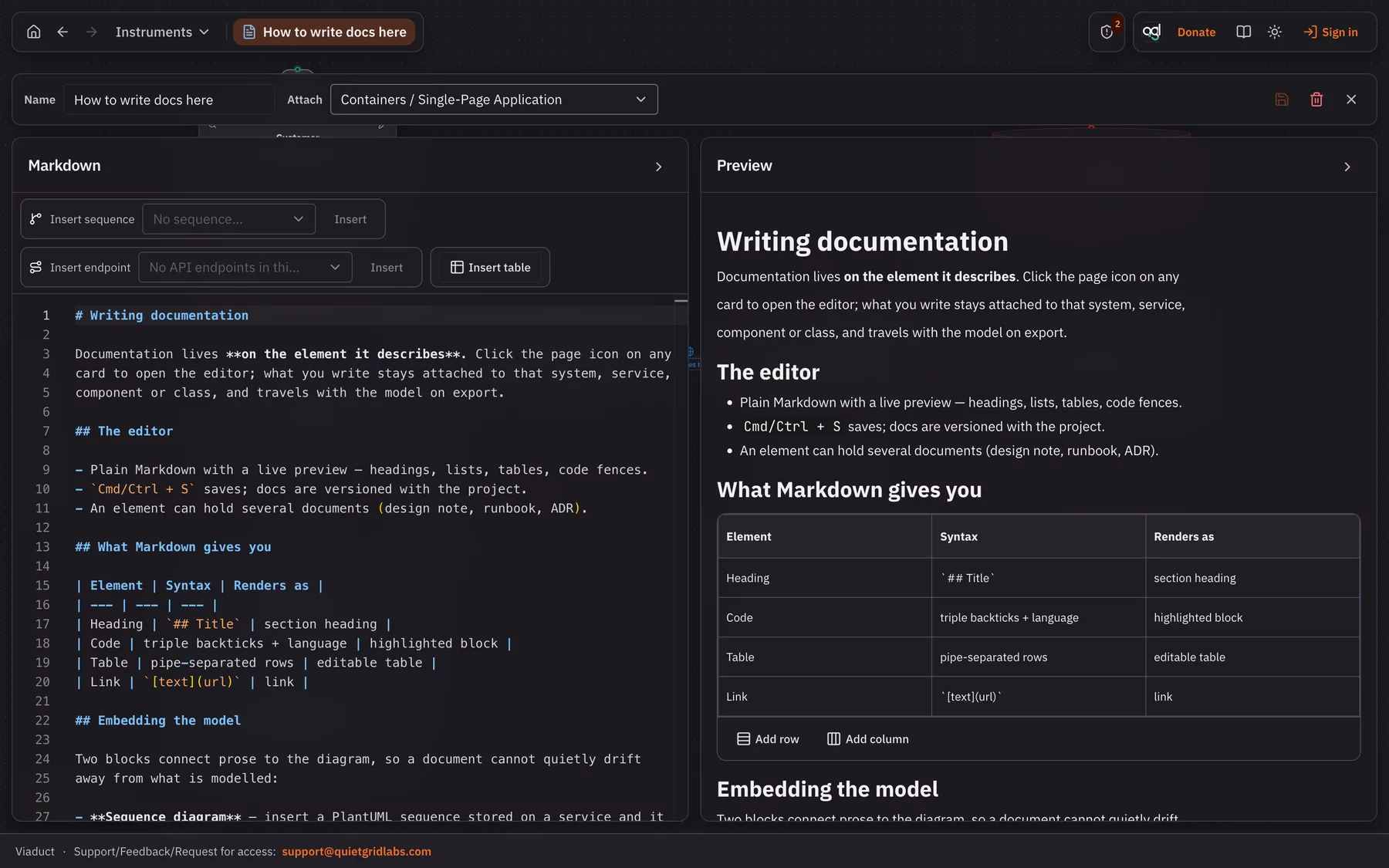
In the editor, Markdown documentation is attached directly to an element. The card indicates when documentation exists, and opening the card opens the relevant document rather than sending the reader on a search through a knowledge base.
This is deliberately unglamorous. Markdown is familiar, portable, and easy to keep under review. The useful part is not the editor itself; it is the fact that the documentation has an explicit architectural home.